
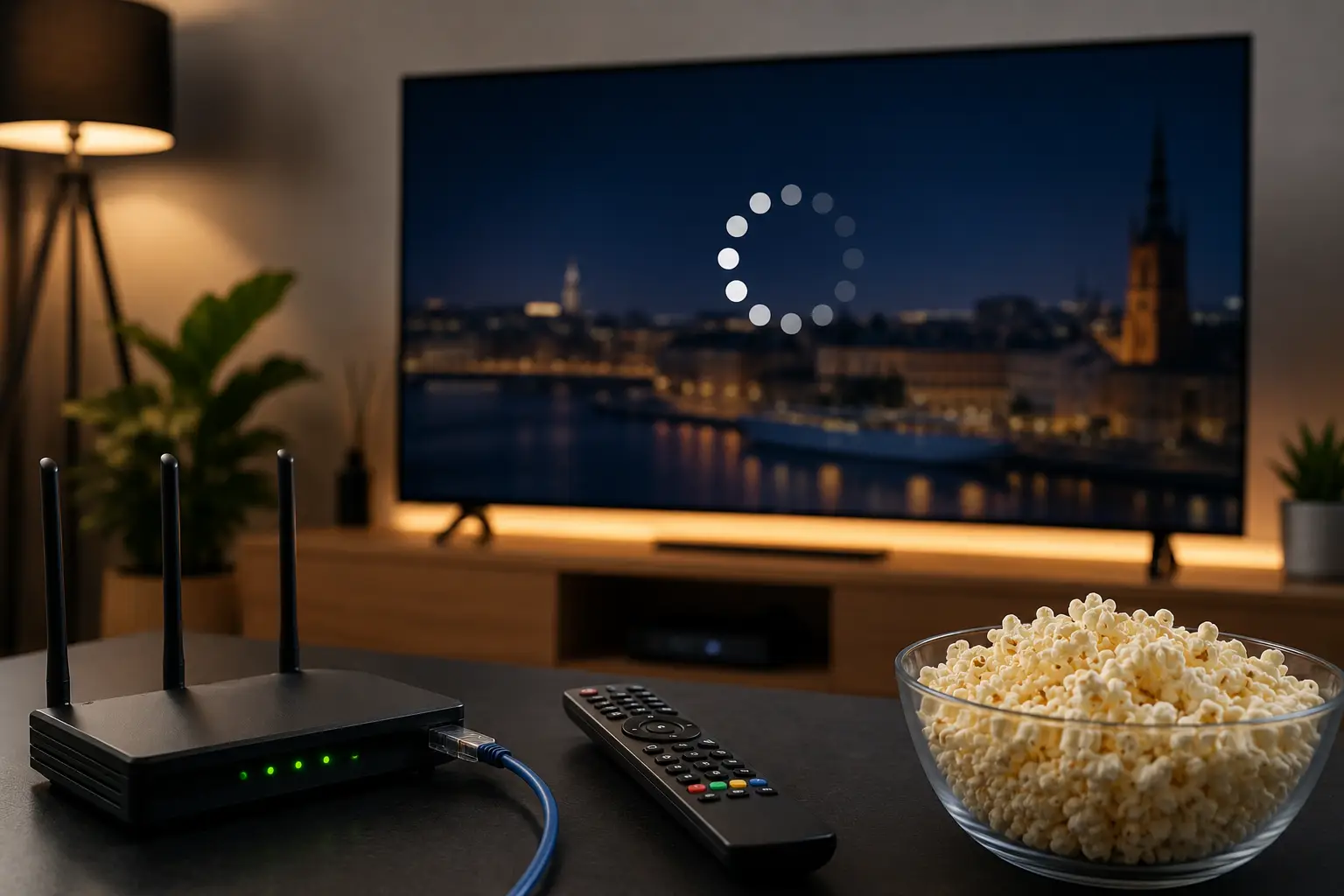
Most IPTV buffering comes down to five causes: weak Wi-Fi, an overloaded home network, app or device limitations, ISP throttling, or the provider’s own server load. The fastest fix is switching from Wi-Fi to a wired Ethernet connection, which resolves the majority of cases. If buffering only happens on specific channels or at specific times, the problem is on the provider’s end, not yours.
Nothing sours a subscription faster than a stream freezing at the exact moment a match turns. The frustrating part is that “IPTV keeps buffering” has at least five different causes, and the fix depends entirely on which one you’ve actually got.
So instead of a list of generic tips, here’s a proper diagnostic. Work through it in order. Most people find their answer in the first two steps.
Start Here: Narrow Down the Cause in 60 Seconds
Before changing anything, answer these three questions. They’ll tell you where to look.
Does it buffer on every channel, or just some? Every channel points to your connection or device. Only some channels point to the provider’s servers or that specific stream source.
Does it buffer all day, or only in the evening? All day suggests a setup problem on your end. Evenings only suggest network congestion or server load during peak hours.
Does it buffer on every device, or just one? Every device means the issue is your network. One device means it’s that device or its app.
Hold onto those answers. They point directly at the right fix below.
Fix 1: Switch From Wi-Fi to Ethernet
This resolves more buffering complaints than everything else combined.
Your fibre connection might be flawless, but the Wi-Fi signal actually reaching your TV can be a fraction of that speed. Walls, distance from the router, and interference from neighbouring networks all cut real-world throughput hard, and streaming is unforgiving about it.
What to do: run an Ethernet cable from your router to your TV or streaming box. If that’s genuinely not possible:
- Move the router closer to the TV, or the TV closer to the router
- Switch to the 5GHz band instead of 2.4GHz (faster, less crowded, shorter range)
- Use a mesh Wi-Fi system rather than a cheap signal extender, which often halves bandwidth
- Move the router off the floor and away from other electronics
If wiring the connection fixes it instantly, you’ve found your problem and you’re done.
Fix 2: Check What Else Is Using Your Network
A single 4K stream needs around 25 Mbps. That’s fine on its own. But if someone’s downloading a game, a cloud backup is running, and three phones are auto-syncing photos in the background, your available bandwidth collapses.
What to do:
- Pause any large downloads or uploads while streaming
- Check whether a console or PC is updating in the background; they’re notorious for this
- Look at how many devices are actually connected to your router right now; it’s often more than you’d guess
- If your router supports QoS (Quality of Service), prioritise your streaming device
Fix 3: Restart the Chain Properly
Not glamorous, but it clears a genuine class of problems: memory leaks in the app, a stale connection to the server, a router that’s been up for six months.
Do it in this order:
- Close the IPTV app completely (not just minimise it)
- Restart the streaming device
- Unplug the router for 30 seconds, then plug it back in
- Wait for the connection to re-establish, then reopen the app
Fix 4: Look at the App and the Device
Some IPTV apps handle buffering far better than others, and some devices simply run out of processing headroom on high-bitrate 4K streams.
Worth trying:
- Switch apps. If you’re on one player, try TiviMate or IPTV Smarters Pro instead. Performance genuinely varies between them.
- Clear the app’s cache in your device settings; a bloated cache slows playback over time.
- Increase the buffer size in the app settings if the option exists. A larger buffer smooths over brief connection dips.
- Check your device’s age. An older Fire TV Stick or budget Android box can struggle with 4K, even on a perfect connection. Dropping to Full HD tells you quickly if that’s the limit.
Fix 5: Rule Out ISP Throttling
Some internet providers slow specific types of traffic during peak hours. If your connection is fast on a speed test but streaming still stutters every evening at the same time, throttling is worth considering.
How to check: run a speed test during a buffering episode. If the speed of reading is also low, it’s a connection issue. If the speed is fine but the stream is still stuttering, the bottleneck is elsewhere, either your device or the provider’s servers.
Fix 6: When It’s Actually the Provider’s Fault
Here’s the part most troubleshooting guides won’t tell you: sometimes none of this is your problem.
If buffering happens only on certain channels, or only during peak events like a major match while everything else streams fine, that’s a server-side issue. Your connection is doing its job. The provider’s infrastructure isn’t.
This is the single biggest difference between IPTV services. A provider running underpowered servers looks perfect on a quiet Tuesday and falls apart the moment thousands of people load the same channel at once. No amount of Ethernet cable on your end fixes that.
Signs the provider is the problem:
- Buffering clusters around popular live events
- Specific channels stutter while others are fine
- Everything works perfectly at off-peak hours
- Other subscribers report the same thing at the same time
If that’s the pattern, contact their support. A service worth paying for will have real people who can actually look at the server side. One that doesn’t, tells you what you need to know.
Quick Reference: Symptom to Cause
| What You’re Seeing | Most Likely Cause | First Thing to Try |
| Buffering on all channels, all devices | Wi-Fi or network | Wire the connection |
| Buffering on one device only | That device or its app | Switch app, clear cache |
| Buffering only in the evening | Congestion or server load | Test speed during the issue |
| Buffering only on certain channels | Provider’s servers | Contact support |
| 4K buffers, HD is fine | Bandwidth or device limits | Lower quality, or upgrade device |
| Started suddenly after months of working | Router, app update, or server | Restart the full chain |