
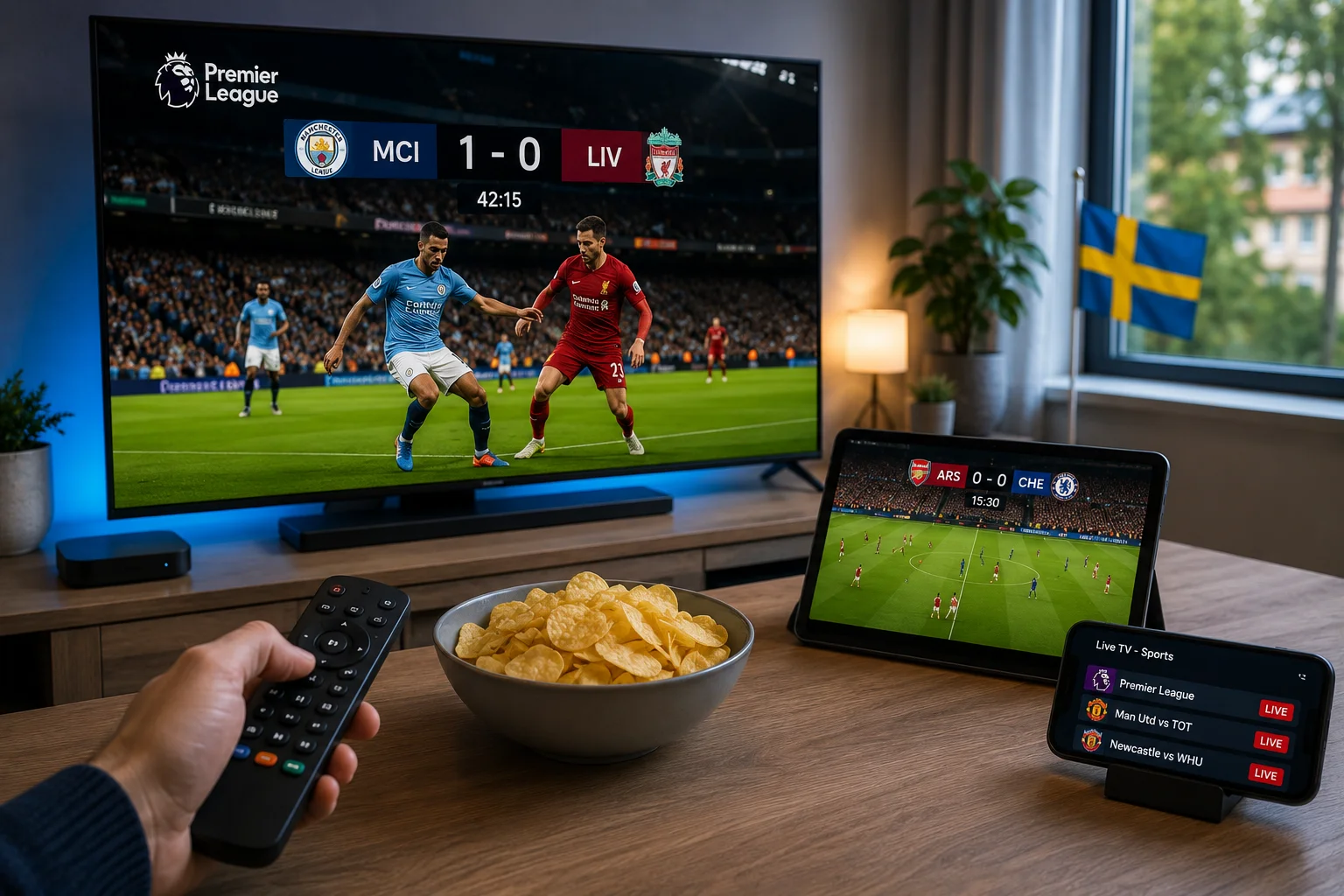
To stream Premier League matches in Sweden, you need a stable internet connection (25 Mbps for Full HD, 50 Mbps+ for 4K), a device like a Smart TV or Fire TV Stick, an IPTV service that carries Premier League football, and an IPTV app such as TiviMate or IPTV Smarters Pro. Setup takes about fifteen minutes: subscribe, install the app, enter your login details, and load the channel before kickoff.
Watching the Premier League from Sweden used to mean scheduling your afternoon around whichever broadcaster had the rights, and often still missing half the fixtures. Streaming changes that. Once it’s set up, every match is a couple of taps away, on whatever screen is nearest.
This is the practical guide: exactly what you need, how to get it working, and how to make sure the stream doesn’t let you down when the match actually kicks off.
What You Need Before You Start
Four things, and you probably already have most of them.
A stable internet connection. This is the foundation. Around 25 Mbps handles Full HD comfortably; 50 Mbps or more keeps 4K smooth. Most Swedish fibre connections clear this easily. Full speed breakdown here.
A compatible device. A Smart TV, Amazon Fire Stick, Android TV box, phone, tablet, or computer, anything that runs an IPTV app.
An IPTV subscription that carries Premier League football. Not every service does, and coverage matters, so confirm before you commit.
An IPTV player app. Free to install. TiviMate and IPTV Smarters Pro are the popular, reliable choices.
Step-by-Step: Getting the Premier League Streaming
Step 1 — Subscribe and Get Your Login
Once you subscribe to a service, you’re sent an M3U link and Xtream Codes credentials (a username, password, and server address) by email. These are your keys to the stream. With Viking IPTV, they arrive within minutes of payment.
Step 2 — Install an IPTV App
On your chosen device, download an IPTV player. TiviMate runs particularly smoothly on Fire Stick and Android TV; IPTV Smarters Pro works broadly across platforms and is beginner-friendly. The installation guide has device-specific steps.
Step 3 — Enter Your Details
Open the app and choose the login method. Paste in the M3U link, or enter the Xtream Codes username, password, and server address. The app pulls in the full channel list automatically.
Step 4 — Find the Football
Once the channel list loads, navigate to the sports section and find the match you want. It’s worth doing this the first time before match day, so you know where everything is when kickoff arrives.
Step 5 — Load the Match Early
On match day, open the channel around ten minutes before kickoff. If anything needs adjusting, you’ve got time, rather than scrambling as the whistle goes.
The whole setup, first time through, takes about fifteen minutes.
Keeping the Stream Smooth at Kickoff
Premier League Saturdays are the toughest test for any stream, with several matches, thousands of viewers, all at once. A few things keep yours steady:
- Wire the connection with Ethernet. The single most effective fix. Wi-Fi fluctuates, and when it dips, your stream quality drops. A cable removes the variable entirely.
- Enable hardware decoding in your app, so your device handles a high-bitrate 4K feed cleanly.
- Raise the buffer size slightly in app settings; it smooths over brief connection dips.
- Pause background downloads. A console updating in the next room is stealing the bandwidth your match needs.
- Turn off motion smoothing on the TV; it makes fast football look artificial.
If a match does start stuttering, our buffering fix guide walks through the causes in order, and importantly, how to tell whether it’s your setup or the provider’s servers.
Watching Multiple Matches at Once
The classic Saturday problem: several 3pm kickoffs, more than one you care about. If your plan supports multiple simultaneous streams, run the main match on the TV and a second on a tablet beside you. Check how many concurrent streams your plan allows before match day.
Streaming the Premier League With Viking IPTV
Viking IPTV carries Premier League football on every plan, no separate sports package, no pay-per-view surcharges, in up to 4K where the source supports it. It runs on Smart TVs, Fire Stick, phones, computers, and more, using standard M3U and Xtream credentials that work with any common IPTV app.
The relevant part for match day is the infrastructure: server capacity built for peak-hour load, which is what keeps a stream steady through a busy Saturday. You can see the plans here, or read how the sports streaming is managed behind the scenes.
Frequently Asked Questions
How do I stream the Premier League in Sweden?
Subscribe to an IPTV service that carries Premier League football, install an IPTV app like TiviMate on your device, enter your login details, and load the match. Setup takes about fifteen minutes.
What do I need to watch the Premier League online in Sweden?
A stable internet connection (25 Mbps+ for Full HD), a compatible device, an IPTV subscription that includes the Premier League, and an IPTV player app.
What internet speed do I need to stream Premier League football?
Around 25 Mbps for Full HD and 50 Mbps or more for 4K. Most Swedish fibre connections comfortably exceed this.
Why does my Premier League stream keep buffering?
Usually weak Wi-Fi or peak-hour server load. Wiring your connection fixes most cases; if it only happens during busy matches, that points to the provider’s servers.
Can I watch the Premier League on my phone in Sweden?
Yes. Any IPTV service works across phones and tablets through a standard IPTV app, using the same login as your TV.
Do I need a special app to stream the Premier League?
No. Standard M3U and Xtream compatibility means any common IPTV player, like TiviMate or IPTV Smarters Pro, works.